All case studies

BSI · QRIS Domestik Payment Flow

BSI: QRIS Domestik Payment Flow.

One scanner, two payment shapes. I mapped BSI Mobile's QRIS Domestik flow across Open Amount and Closed Amount transactions: scan, confirm, PIN, and every failure state in between, as one connected system instead of two separate features.

Role
Product Designer
Company
Bank Syariah Indonesia
Platform
BSI Mobile Banking App
Scope
Open & Closed Amount
Full QRIS Domestik flow: Open Amount and Closed Amount tracks, each moving from Dashboard through Camera, QR confirmation, PIN confirmation, success and failure branches, and email feedback
A slice of the full map, shown at a readable size. Use zoom to pan across every branch.
Context

Indonesia's national QR standard, through BSI's own camera.

QRIS Domestik is BSI Mobile's scan-to-pay feature: the same code format used across banks and e-wallets, read through BSI's own camera and confirmed with BSI's own PIN. The flow splits into Closed Amount, where the nominal is already fixed, and Open Amount, where the customer enters it. This case study covers both paths end to end, from opening the camera to the confirmation email that closes the loop.

The problem

The camera looks the same. What comes next doesn't.

Two payment shapes, one scanner

A QRIS code doesn't tell the user upfront whether the merchant fixed the amount or left it open. Closed Amount (a coffee shop with a set price) and Open Amount (a donation box, a street vendor) need different next steps right after the scan, but the entry point, the camera screen, looks identical either way.
A transaction with no undo

Every branch off the main path (expired QR, insufficient balance, a transaction that fails mid-process, a code the scanner can't read) needed its own screen and its own way back, because there's no forgiving retry on a payment flow the way there is on, say, a form.

Process

Failure paths first, happy path second.

  1. 1

    Separating the two amount types before the first screen

    Open Amount and Closed Amount diverge as early as the confirmation step: one needs a numeric input for the nominal, the other only needs a confirm. Mapping both as parallel tracks from the scan screen, rather than one flow with a conditional branch buried in the middle, kept each path readable on its own.

  2. 2

    Designing for the failure before the success

    QR tidak dikenali, kode kadaluarsa, saldo tidak mencukupi, transaksi gagal di sisi sistem, PIN salah: each of these needed to be a real screen with a real way forward, not a generic error toast. Error and info cards use a consistent color code (yellow for a recoverable notice, red for a hard failure) so the user can read severity before reading the text.

  3. 3

    Tip as an optional branch, not a forced step

    Tip only appears where it makes sense for the transaction type, and skipping it doesn't reset progress or send the user back a screen. Optional steps that don't feel optional are one of the more common ways a payment flow loses people right before the confirmation step.

  4. 4

    Closing the loop after Konfirmasi PIN

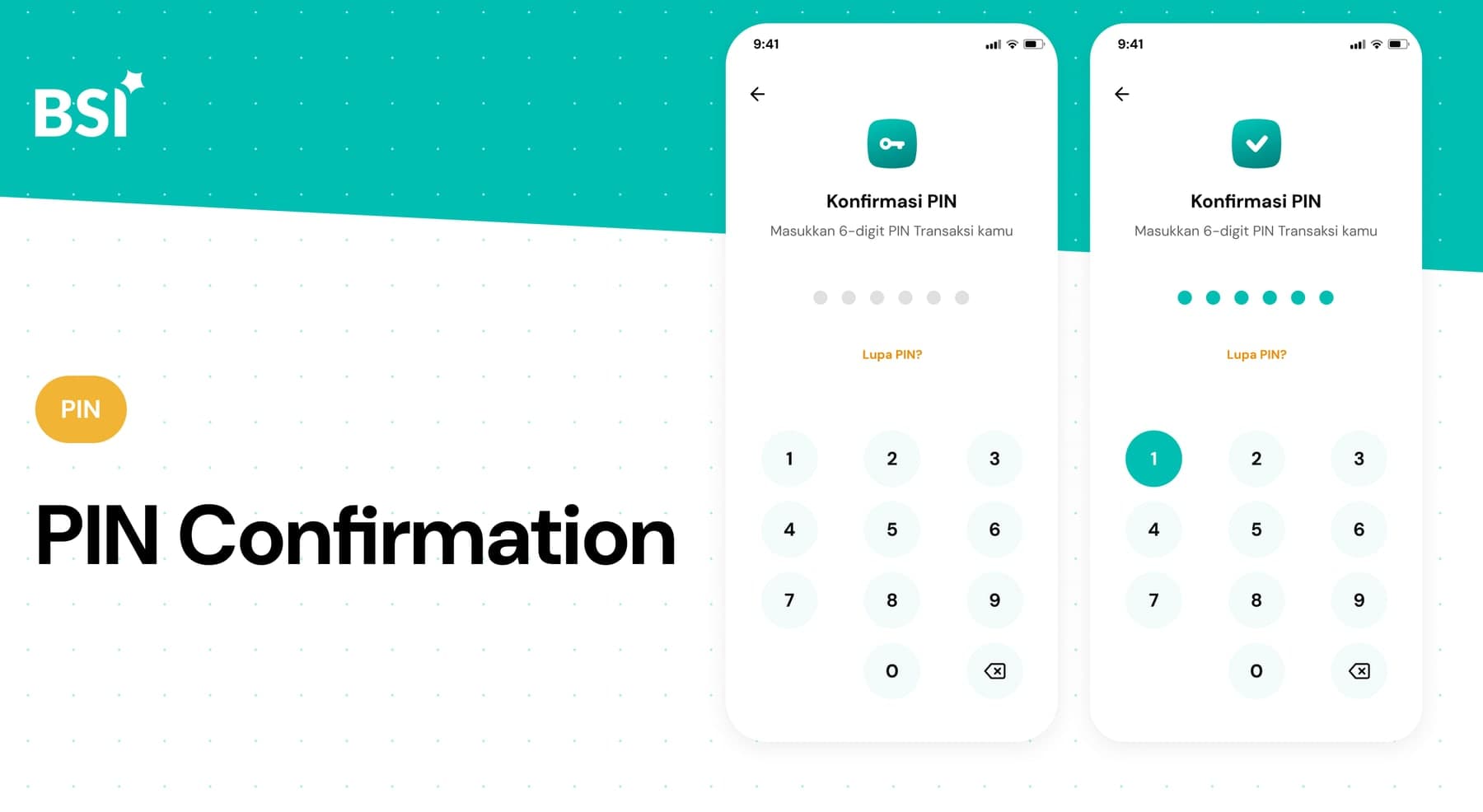
    Success and failure after PIN confirmation split into their own branches: one leading to a receipt with share/download actions and an email confirmation, the other back to a clear retry point. Neither branch leaves the user looking at a spinner with no sense of what happens next.

The flow

Two tracks, one shape, every branch mapped.

Both transaction types run through the same shape (Dashboard, Camera, Konfirmasi QR, Konfirmasi PIN) but branch at nearly every step. Closed Amount skips straight to confirming a fixed nominal; Open Amount adds a numeric input first. Both carry the same failure states, and success on either ends at a receipt with share and download actions, followed by an email confirmation.

Full QRIS Domestik flow: Open Amount and Closed Amount tracks, each moving from Dashboard through Camera, QR confirmation, PIN confirmation, success and failure branches, and email feedback
Open Amount (top) and Closed Amount (bottom), with every error and success branch between them. Open it full size to follow a single path.
Key decisions

Four calls that shaped the flow.

Two amount types, one component set

Rather than building Open and Closed Amount as separate features, they share the same confirmation card, PIN screen, and receipt layout; only the input step differs. That kept the two paths consistent, and meant a fix to one benefited both.

A color code for severity

Yellow notice cards for recoverable states and red cards for hard failures (insufficient balance, a failed transaction) let the user read urgency before reading the copy, a pattern reused across the error states rather than invented per screen.

PIN as the single gate

Every path (Open or Closed Amount, with or without tip) converges on the same PIN confirmation step before a transaction can process. One checkpoint meant fewer places for a user to get stuck, and fewer surfaces to keep in sync.

Closing the loop past the app

A successful transaction doesn't end at the in-app receipt. It's followed by an email confirmation with the same details. For a payment flow, that second, durable record matters as much as the on-screen one.

Reflection

A payment flow is mostly the paths that don't succeed. The scan-and-confirm part is maybe a third of this map. Designing the other half with the same care is what determines whether people trust the feature the second time they use it.